
API key
Your API key authenticates all requests to the SendStreak REST API. Every workspace has its own API key.
To view your API key, go to Settings → API key.
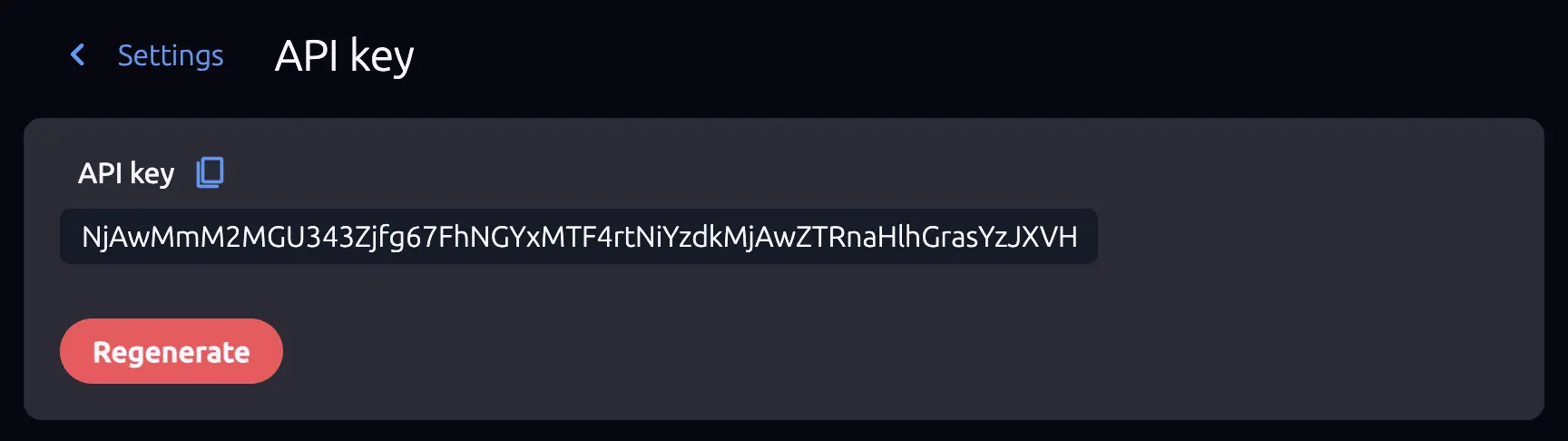
Copying Your API Key
The API key is displayed in a read-only text field. Click the field to copy the key to your clipboard. You can then paste it into your application code, environment variables, or SDK configuration.
Never expose your API key in client-side code or public repositories. Store it in environment variables or a secrets manager.
Regenerating Your API Key
If your API key has been compromised or you need to rotate it for security reasons, click Regenerate. A confirmation dialog will ask you to verify before proceeding.
Regenerating a key:
- Immediately invalidates the old API key.
- Creates a new key that replaces the old one.
- Breaks all existing integrations that use the old key until they are updated.
Try SendStreak for Free now!After regenerating, update the API key in all applications and services that connect to SendStreak. Any request using the old key will fail immediately.